

What Is a Wi-Fi Router?

A Wi-Fi router is a piece of network equipment that allows individual devices like computers, smartphones, streaming devices and smart appliances to connect wirelessly to the internet.
How Does a Wi-Fi Router Work?
- A modem provides a wired connection to the internet through your internet service provider (ISP).
- A Wi-Fi router connects to the modem with an Ethernet cable.
- Individual devices connect to the router over radio frequencies, allowing the devices to send and receive data over the internet.
While wireless connectivity is a key function of a Wi-Fi router, most also allow Ethernet cable connections to devices for faster data transfer.
Signs You Need a New Router
- Router Age: Consider replacing your router if it’s more than four or five years old or if the manufacturer has stopped providing firmware and security updates.
- Reduced Speed: Lagging video, gaming and browsing can indicate your router can’t support all your connected devices.
- High ISP Speeds: If your ISP offers speeds your router can’t support, you’re not getting all the service you pay for.
- Router Problems: Dropped connections, new dead zones, decreased range and frequent issues requiring router restarts can indicate the equipment is at end-of-life.
Wi-Fi Router Types
There are two primary types of Wi-Fi routers:
- Traditional, standalone routers have a fixed range and are best for homes 2,000 square feet and smaller.
- Mesh Wi-Fi routers are expandable and best for multi-story homes larger than 2,000 square feet.
What Are Mesh Wi-Fi Routers?
Mesh Wi-Fi networks use multiple satellites or nodes to send a stable Wi-Fi system throughout a home.
- A primary router connects to the modem via an Ethernet cable, and the satellites connect to the primary router and each other wirelessly or via Ethernet cables.
- You stay on the same network as you move throughout your home.
- The mesh network automatically chooses the best node for the signal.
- You can expand the Wi-Fi network, scale it to a larger home or fix dead zones by adding satellites.
A Wi-Fi extender can be a budget-friendly way to fix a dead spot if you have a standalone router. However, an extender doesn’t always provide the seamless coverage that a mesh router does. Plus, the extender might reduce available bandwidth, decreasing network performance.
Choosing a Wi-Fi Standard

Wi-Fi standards, such as Wi-Fi 6 and Wi-Fi 7, define the speed, signal range and frequencies routers use. A higher standard number indicates better performance, but keep these factors in mind:
- Top speeds are typically best-case speeds; real-world speeds will likely be slower.
- Devices must be fully compatible with a Wi-Fi standard to receive all the benefits.
- Even if all your devices aren’t compatible with the latest standard, a router with a high standard prepares you for the future.
Wi-Fi 6
- Wi-Fi 6 is good for homes with ISP speeds up to 1 Gbps, about 20 connected devices and light to moderate streaming needs.
- Wi-Fi 6 offers speeds up to 9.6 Gbps.
Wi-Fi 7
- Wi-Fi 7 is best for homes with ISP speeds over 1 Gbps and consistent, heavy streaming needs.
- Wi-Fi 7 offers twice the bandwidth of Wi-Fi 6 and top speeds up to 46 Gbps.
- Wi-Fi 7 routers can use multiple bands at once to reduce congestion and lag.
- Wi-Fi 7 is backwards compatible with older devices, but they won’t take full advantage of the standard.
Other Wi-Fi Specifications to Know
When shopping for a router, you’ll see specifications such as range, speed, frequency bands and security. These specifications are often dependent on the router type and Wi-Fi standard, but it’s helpful to understand how these and other factors affect your network.
Range
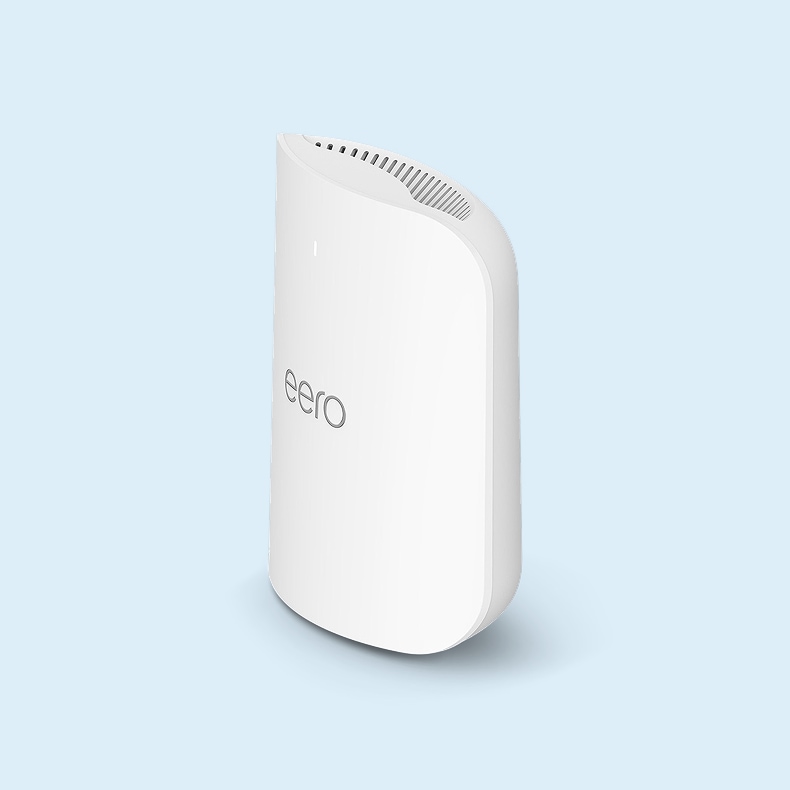
Calculate the square footage of your home by multiplying the length by the width of each floor and remember to include outdoor spaces that need Wi Fi. Make sure the router range fits your space:
- A standalone router often works for a single-story home with up to 2,000 square feet of space.
- Larger homes and multi-story homes typically require extended coverage, such as from a mesh router.
- Speeds decrease with distance from the router.
- Walls, multiple floors, wiring and electronics reduce the effective range.
Speed
Routers and ISPs measure speed in megabits per second (Mbps) or Gbps. Make sure the router speed is compatible with your ISP.
- Your ISP determines your maximum speeds.
- A fast router won’t make the speed of your internet service faster, but purchasing a router with a higher capability allows for any speed upgrades the ISP might make.
Frequency Bands and Bandwidth
Routers typically offer two or three frequency bands, measured in gigahertz (GHz). The bands influence range, speed and bandwidth — the amount of data the network can carry at the same time:
- 2.4 GHz has the longest range and travels through walls better but delivers slower speeds and offers less bandwidth to support multiple devices.
- 5 GHz delivers faster speeds and offers more bandwidth to carry more data and support more devices.
- 6 GHz, available on many Wi-Fi 7 routers, offers the same top speed as 5 GHz but provides more bandwidth and less interference, allowing it to support more devices at once.
As with speed, purchasing a router that supports a higher frequency band won’t make your network faster than your ISP’s maximum speed, but it can improve device performance and prepare you for future service upgrades.
Security
A secure router reduces the risk of unauthorized access to your network, devices and personal information.
- Wi-Fi Protected Access 3 (WPA3) offers a higher level of security than earlier standards, with improved encryption, password protection and security for smart devices like televisions and appliances.
- If your older devices aren’t compatible with WPA3, look for a router that offers a hybrid WPA2/WPA3 mode.
- Keep your router firmware and device software up to date for the best protection.
Additional Connections
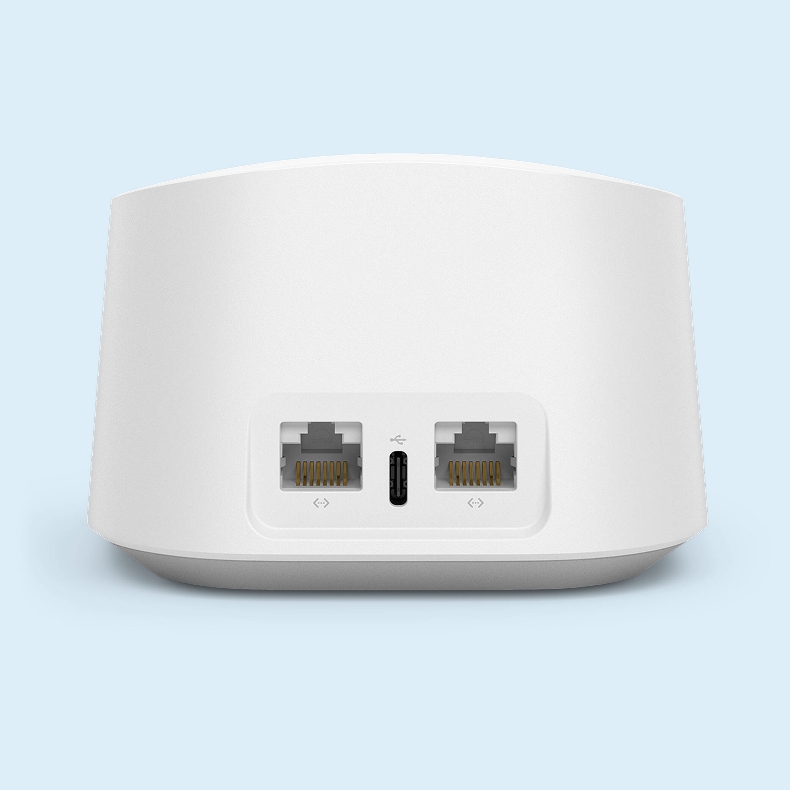
While wireless connectivity is a key function of a Wi-Fi router, ensuring the router offers several ethernet ports and a USB connection can be useful depending on how you use the network.
- Ethernet ports let you connect gaming systems, desktop computers and streaming video devices to the router with network cables for the fastest speeds possible.
- Some routers have a USB connection that lets you add a storage drive that devices on the network can access wirelessly.
Some Wi-Fi routers are designed for outdoor installation. Look for a weatherproof housing rated for resistance to dust, rain and snow.
Find a Wi-Fi Router That Keeps Up With Your Needs
Choosing the right router lets you get the most your internet service has to offer. Shop Lowes.com for a Wi-Fi router that keeps up with your ISP, gives you a stable signal throughout your home, and helps you keep all your devices connected. Not sure which Wi-Fi is best for you? Stop by your local Lowe’s and talk to a Red Vest associate. They can show you the available options and help you find a router that fits your home and network needs.